
One integration. A bigger market.
Turn accounting data into your next great product. API.1 connects you to multiple accounting systems through one unified schema, so you can spend more time building and less time maintaining integrations.
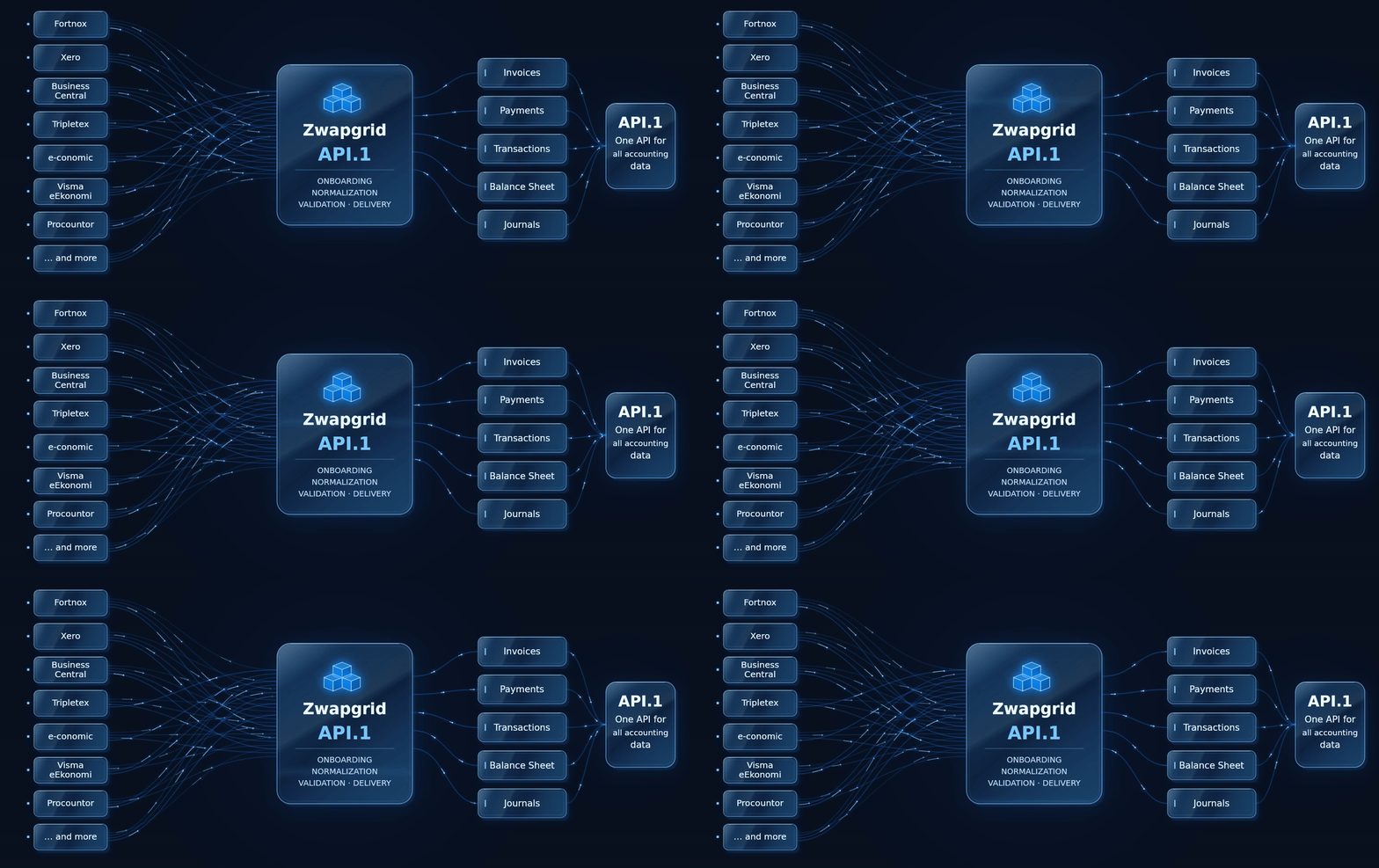
From customer consent to accounting data.
Once your customer connects their accounting system and accepts consent, retrieve sales invoices through API.1.
Request · cURL
curl "https://apione.zwapgrid.com/accounting/api/v1/consents/${CONSENT_ID}/salesinvoices?Count=10&CurrentPage=1" \
  -H "x-api-key: ${API_KEY}" \
  -H "x-correlation-id: $(uuidgen)"
Use your API key and accepted consent ID. Generate a unique correlation ID for each request. Run server-side.
Sample response · JSON
{
  "data": [
    {
      "id": "INV-001",
      "issueDate": "2024-03-15",
      "totalBalanceAmount": {
        "amount": 1250,
        "currencyId": "SEK"
      }
    }
  ]
}
Documentation example, shortened to show selected fields.
Operation and field availability vary by accounting system.
Explore the API reference →Consent & authentication
We handle customer onboarding, accounting-system authentication and token refresh.
Harmonized data
Work with a common data model. We maintain the connectors as source systems change.
Your product, your control
Choose when to fetch data and how your product uses it. Trace requests with correlation IDs.
Check your integration fit.
See what your accounting system supports, then test the workflow you need.
Explore coverage by system and operation
“Contact us” means the reference marks the operation as not supported / contact us. It does not promise availability.
| System | Onboarding | Read sales invoices | Read supplier invoices | Read trial balances | Create journals |
|---|---|---|---|---|---|
| Billy | Supported | Supported | Supported | Supported | Supported |
| Bjorn Lunden | Supported | Supported | Supported | Supported | Supported |
| Bokio | Supported | Supported | Supported | Contact us | Contact us |
| Exact Online | Supported | Supported | Contact us | Contact us | Contact us |
| Fortnox | Supported | Supported | Supported | Supported | Supported |
| Microsoft Business Central | Supported | Supported | Supported | Contact us | Contact us |
| Procountor | Supported | Supported | Supported | Supported | Supported |
| QuickBooks | Supported | Supported | Contact us | Contact us | Contact us |
| Spiris | Supported | Supported | Supported | Supported | Supported |
| Tripletex | Supported | Contact us | Contact us | Contact us | Supported |
| Visma Dinero | Supported | Supported | Contact us | Supported | Supported |
| Visma Netvisor | Supported | Supported | Supported | Supported | Contact us |
| Visma e-conomic | Supported | Supported | Supported | Supported | Supported |
| Xero | Supported | Supported | Supported | Contact us | Supported |
This is a selection, not the full API. Field support, filters and test data coverage can differ. Check the full API Coverage →
How your integration runs
Create consent, complete customer onboarding, then poll the Consent API until accepted. Fetch accounting data using the consent ID, your API key and a unique correlation ID. The sales invoice list supports pagination with Count and CurrentPage.
Start in development, validate before production
Use a Development API key and Development consents. TEST.1 provides sample data for a number of endpoints. Validate your required operations and target systems before switching to Production keys and consents.
Need native system endpoints? Explore Proxy.1. Need to ingest invoices from files? Explore File.1.